- Open SENuke TNG app
- Click on Options button
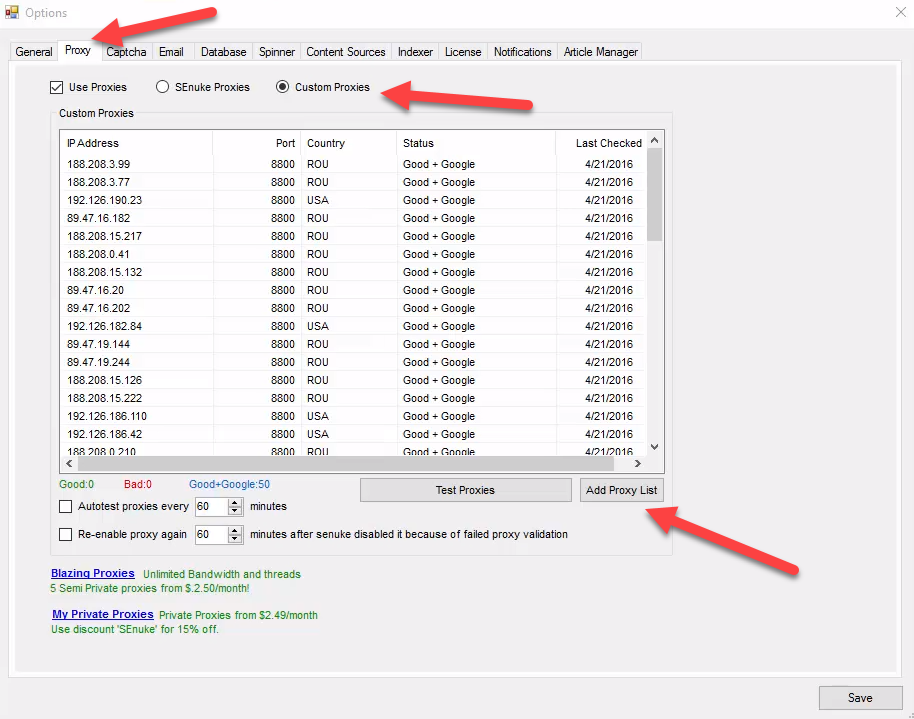
- Go to Proxy tab. On this tab click on "Add Proxy List" button
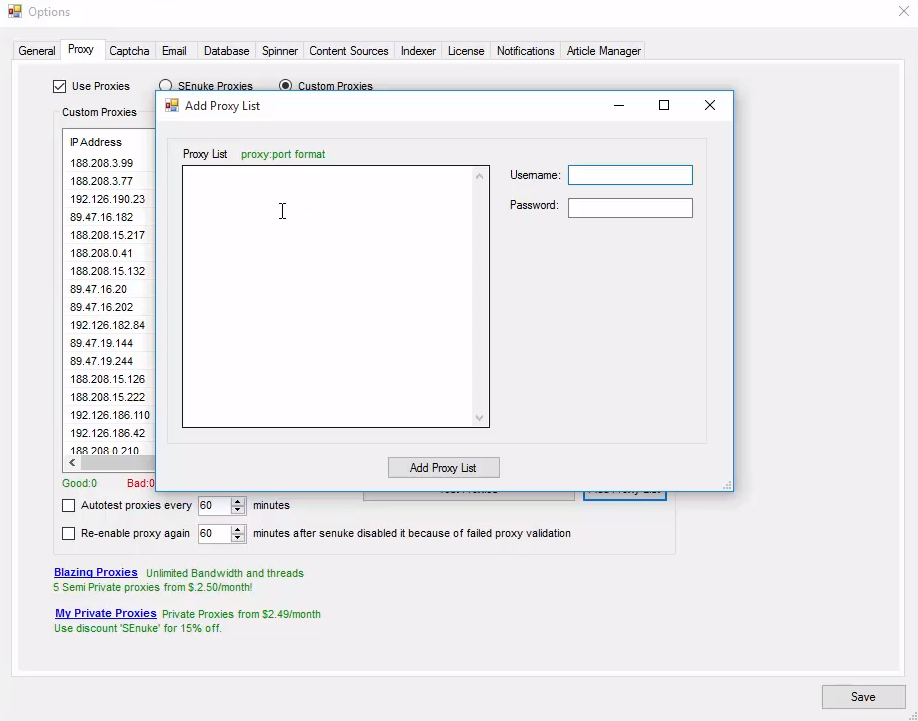
- In opened window you need to put data from your proxy list. You should use Export Proxy List feature on your Froxy Dashboard. Notice: you need to export proxy list in correct format (server/IP:port). After inserting data from you Froxy Dashboard to SENuke TNG you also need to fill username and password. You can also get this information from your Froxy Dashboard
- To apply all changes click on "Save" button
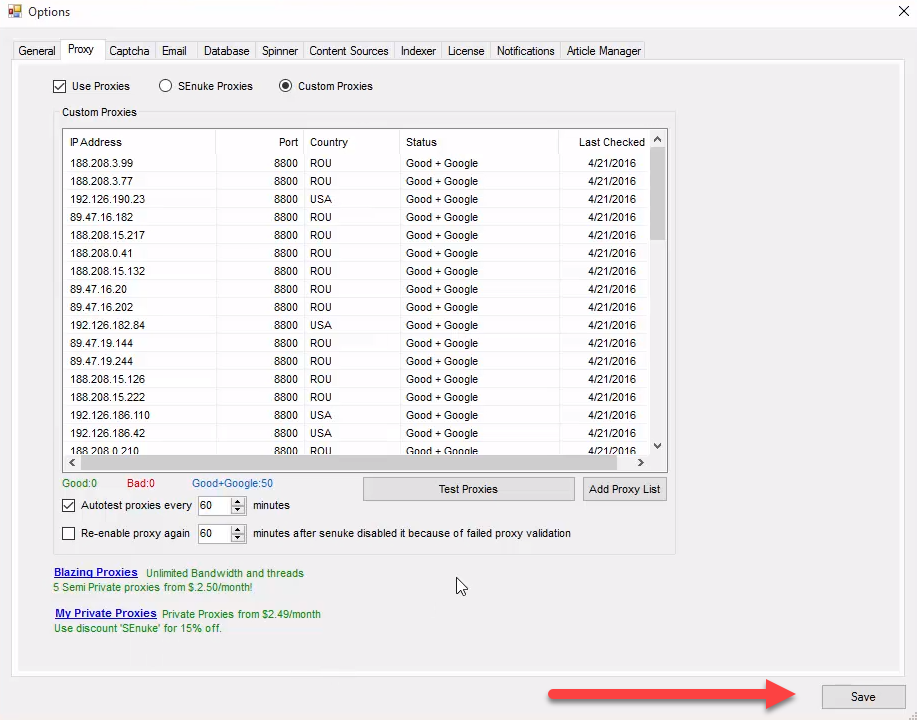
- Now you can use Froxy proxies with SENuke TNG!